---
title: Travel Mobile App
pubDate: 2026-08-17T09:53:44.266Z
antora:
editUrl: https://github.com/couchbaselabs/mobile-travel-sample/edit/master/content/modules/mobile-travel-tutorial/pages/csharp/installation/travel-mobile-app.adoc
xref: xref:tutorials:mobile-travel-tutorial:csharp/installation/travel-mobile-app.adoc[]
---
[Consult the llms.txt file for a full list of contents](/llms.txt)
[View original HTML](/tutorials/mobile-travel-tutorial/csharp/installation/travel-mobile-app.html)
# Travel Mobile App
## [](#pre-requisites)Pre-requisites
Requirements are based on which platform you are using. For Xamarin please follow the Visual Studio, Xamarin, and Platform documentation.
### [](#visual-studio-required-for-xamarin-forms-csharp)Visual Studio (required for Xamarin Forms csharp)
* Downloadable from [visualstudio.com](https://www.visualstudio.com/downloads/)
* Visual Studio 2019 (16.9.4 or higher)
* Visual Studio 2019 for Mac (v8.9 or higher)
NOTE: Visual Studio for Mac does not support UWP projects
### [](#windows-users)Windows Users
If you are developing on Windows, we recommend that you use a Windows 10 machine with version 1809 or higher. Also, note that if you choose Manual or docker installation mode, you should also have **administrative privileges on the Windows box** so you can authorize the installation and running of the required executables.
### [](#mac-users-with-m1-processor)Mac Users with M1 Processor
Visual Studio and Couchbase are supported on M1 processors via the Rosetta v2 translation layer.
### [](#ios-development)iOS Development
For iOS development, we recommend version of XCode 12.5 or higher. For OS and XCode version compatibility, refer to Apple's documentation
### [](#android-development)Android Development
For Android development, we recommend Google's IDE Android Studio and running version 4.x or higher. For Android Studio and OS compatibility, refer to Google's documentation
#### [](#android-version)Android Version
Google always recommends running the latest version of the OS in the emulators for performance reasons. The Android Native sample has been tested with Android 4.4 or higher. For the Xamarin example, it has been tested with Android version 5.1 or higher.
### [](#xamarin-development)Xamarin Development
For Android development, Xamarin always recommends you have the latest Android SDK installed. The latest version should be available from Visual Studio - .
#### [](#xamarin-hot-reloaded)Xamarin Hot Reloaded
To use Hot Reloaded we highly recommend you target iOS v14 or Android 10 or higher. Full documentation can be found on Microsoft's Documentation site
## [](#travel-sample-mobile-app)Travel Sample Mobile App
* Clone the "master" branch of the Travel Sample app from GitHub. We are doing a shallow pull with `depth` as 1 to speed the cloning process.
```bash
git clone -b master --depth 1 https://github.com/couchbaselabs/mobile-travel-sample.git
```
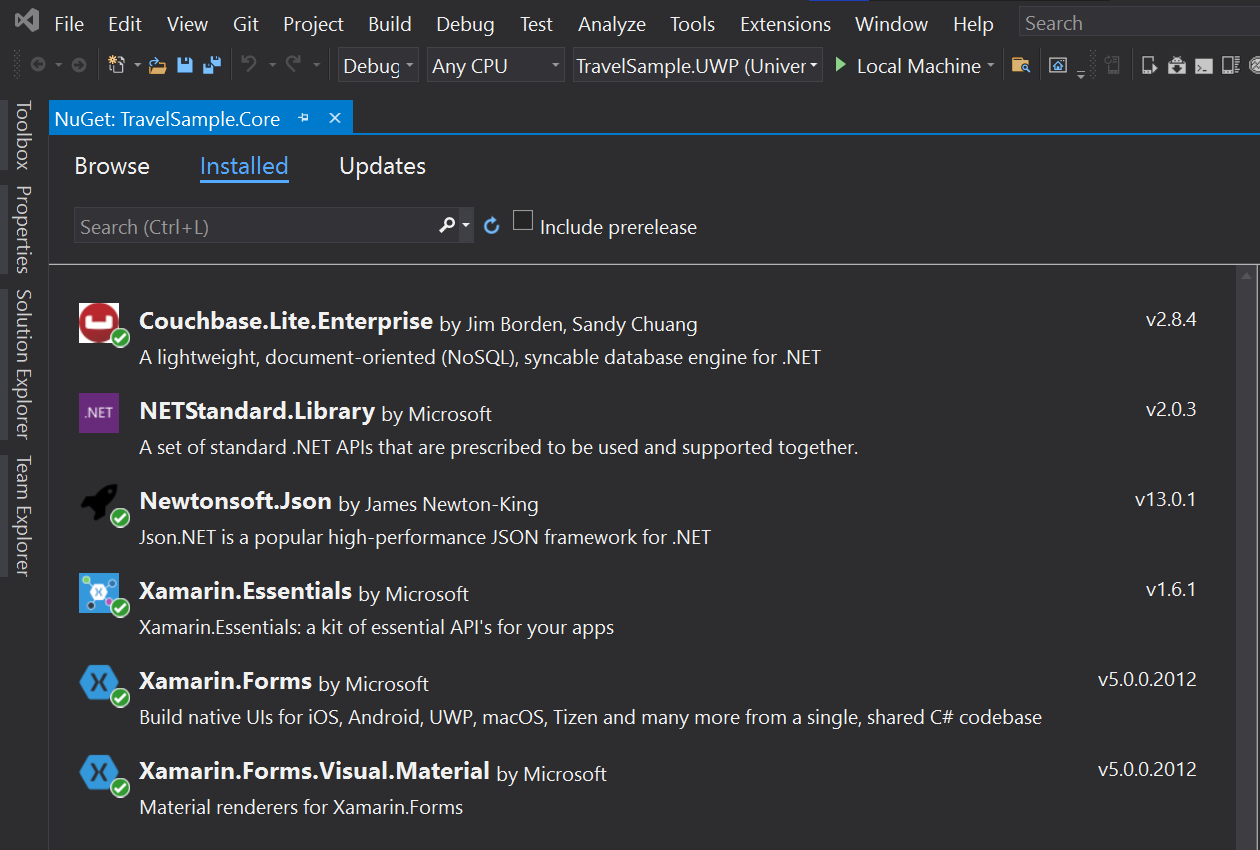
* Confirm that the _TravelSample.core_ project is linked with latest version of _Couchbase.Lite_ framework. You should see equivalent of screenshot below with the latest version of Couchbase.Lite Core framework under the "installed" section of the nuget package manager.
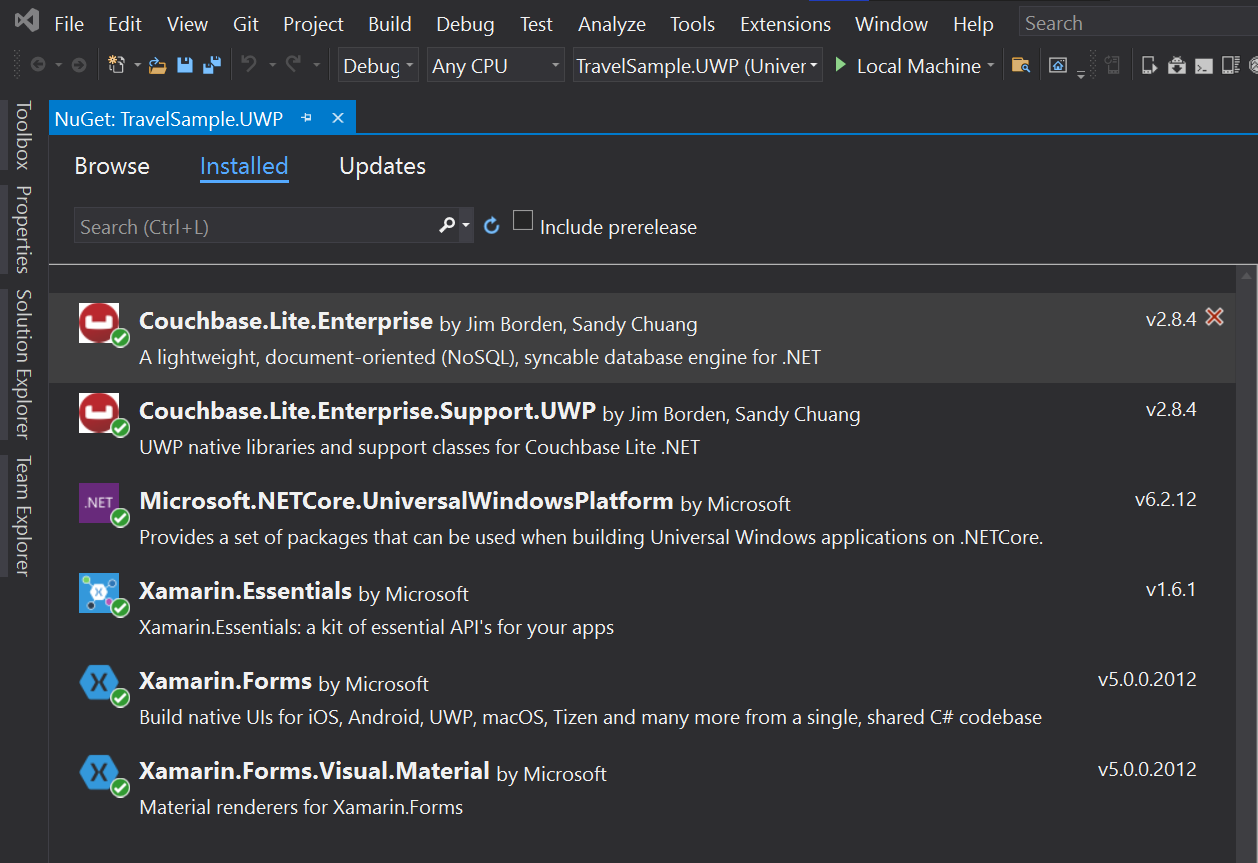
* Confirm that the _TravelSample.UWP_ project is linked with latest version of _Couchbase.Lite_ and _Couchbase.Lite.Support.UWP_ framework. You should see equivalent of screenshot below with the latest version of Couchbase.Lite core framework and Couchbase.Lite.Support.\* support framework under the "installed" section of the nuget package manager.
* If you were building for Xamarin, verify that the right version of _Couchbase.Lite_ core framework and _Couchbase.Lite.Support.Android_ / _Couchbase.Lite.Support.iOS_ support framework is linked with the appropriate TravelSample.Android or TravelSample.iOS project respectively.
* Open the `TravelSample.sln` using Visual Studio
## [](#configure-app-to-connect-to-backend)Configure App to connect to Backend
You will have to update the URLs specified in the app to connect to the backend If you haven't done so already, complete the steps outlined in the "Backend Installation" to install your Couchbase Server, Sync Gateway and Python web backend app.
### [](#updating-the-web-backend-url)Updating the web backend URL
**Open the file** `Constants.cs` under "Util" folder You must update the `ServerBackendUrl` constant which points to the Python Web Server.
Now, the URLs that you specify will vary depending on the installation option that you chose for deploying your backend
* Manual
* Docker
```csharp
public static readonly Uri ServerBackendUrl = new Uri("http://localhost:8080/api/");
```
```csharp
public static readonly Uri ServerBackendUrl = new Uri("http://localhost:8080/api/");
```
### [](#updating-the-sync-gateway-url)Updating the Sync Gateway URL
Next, you will update the Sync Gateway endpoint.
**Open the file** `LoginModel.cs` under "Models" folder You must update the `SyncUrl` constant.
Now, the URLs that you specify will vary depending on the installation option that you chose for deploying your backend
* Manual
* Docker
```java
private static readonly Uri SyncUrl = new Uri("ws://localhost:4984");
```
```java
public static String mSyncGatewayEndpoint = "ws://10.0.2.2:4984/travel-sample";
```
Try it out
1. Build and run the project on your platform of choice (UWP, Xamarin iOS or Xamarin Android)
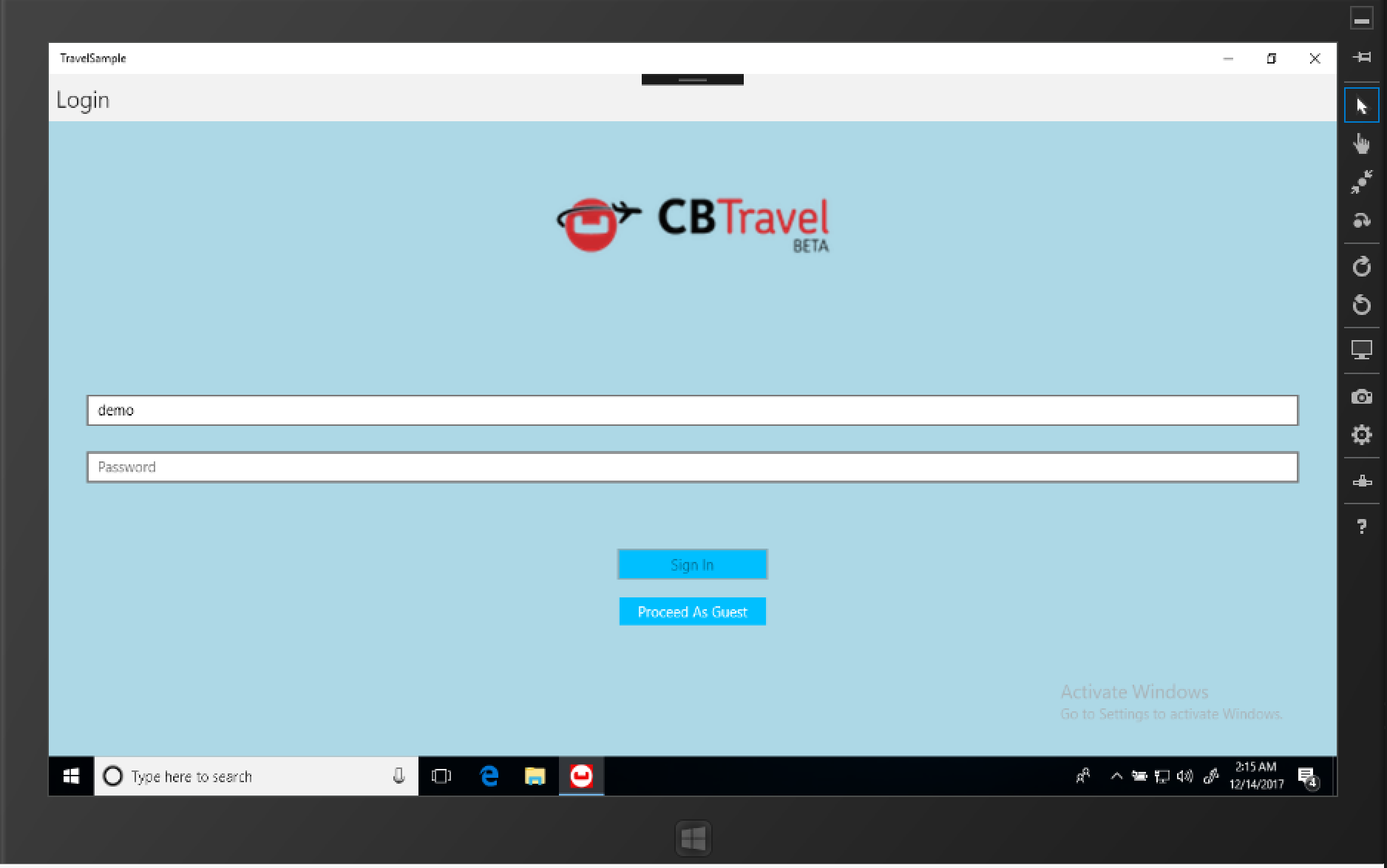
2. Verify that the login screen appears. The screenshot below is from a UWP App.