The Basics
Initialization
To get started, you must initialize Couchbase Lite with the relevant application context
Open the file DatabaseManager.java.
DatabaseManager.java
  public void initCouchbaseLite(Context context) {
      CouchbaseLite.init(context);
      appContext = context;
  }
Create a Database
There is no limit to how many databases can be created or opened on the device. You can think of a database as a namespace for documents and several databases can be used in the same app (one database per user of the app is a common pattern).
The snippet below creates an empty database for the guest user in a directory named guest.
Open the file DatabaseManager.java.
We will review the OpenGuestDatabase method.
 public void OpenGuestDatabase() {
   ...
 }
We create a folder for the guest user database if one does not exist and specify that as the database directory in the DatabaseConfiguration object.
  DatabaseConfiguration config = new DatabaseConfiguration();
  config.setDirectory(String.format("%s/guest", appContext.getFilesDir()));
The Couchbase Lite Database is created with specified name and DatabaseConfiguration object.
 try {
      database = new Database("guest", config);
  } catch (CouchbaseLiteException e) {
      e.printStackTrace();
}Create and Update a Document
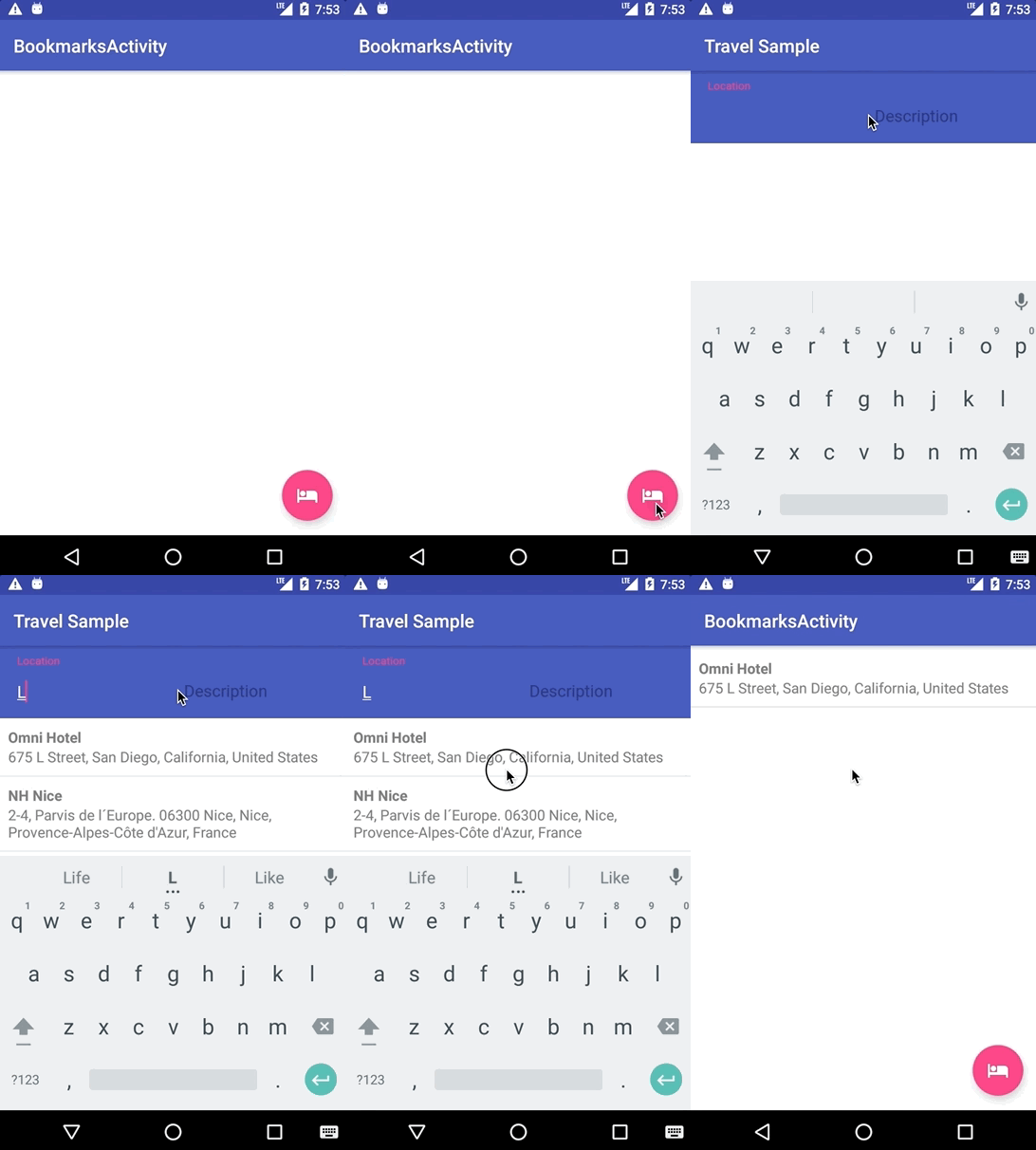
Bookmarked hotels are persisted in a separate document with a type of bookmarkedhotels.
The first time a hotel is bookmarked, the bookmarkedhotels document is created with the document ID of that hotel document in the hotels property.
The hotel’s information is persisted in a separate hotels type document.
Subsequently, every time a hotel is bookmarked, the process repeats.
{
  "_id": "hotel1",
  "name": "San Francisco Hotel",
  "address": "123, Park Street, San Francisco"
}

{
  "type": "bookmarkedhotels",
  "hotels": ["hotel1", "hotel2"]
}
Open the file app/src/android/java/…/hotels/HotelsPresenter.java.
You will review the bookmarkHotels(Map<String, Object> hotel) method.
@Override
public void bookmarkHotels(Map<String, Object> hotel) {
  ...
}
First, you need to get an instance of the database.
Database database = DatabaseManager.getDatabase();The following snippet persists the hotel instance (Map<String, Object>) as a new Document in the database.
This will allow us to access bookmarked hotel documents while being offline.
MutableDocument hotelDoc = new MutableDocument((String) hotel.get("id"), hotel);
try {
  database.save(hotelDoc);
} catch (CouchbaseLiteException e) {
  e.printStackTrace();
}
Next you will get the document with ID user::guest or create one if it doesn’t exist.
The document is created with the type property set to bookmarkedhotels and a new hotels array to store the document IDs of the bookmarked hotels.
Document document = database.getDocument("user::guest");
MutableDocument mutableCopy = null;
if (document == null) {
	HashMap<String,Object> properties = new HashMap();
	properties.put(type, bookmarkedhotels);
	properties.put(hotels, new ArrayList());
	mutableCopy = new MutableDocument(user::guest, properties);
} else {
	mutableCopy = document.toMutable();
}
Next, the selected hotel’s ID is added to the hotels array.
MutableArray hotels =  mutableCopy.getArray(hotels).toMutable();
mutableCopy.setArray(hotels,hotels.addString((String) hotel.get(id)));
Finally, you will save the document.
try {
  database.save(mutableCopy);
} catch (CouchbaseLiteException e) {
  e.printStackTrace();
}
Delete a Document
A document can be deleted using the delete method.
This operation actually creates a new tombstoned revision in order to propagate the deletion to other clients.
Open the file in app/src/android/java/…/bookmarks/BookmarksPresenter.java.
You will review the removeBookmark(Map<String, Object> bookmark) method.
@Override
public void removeBookmark(Map<String, Object> bookmark) {
    ...
}
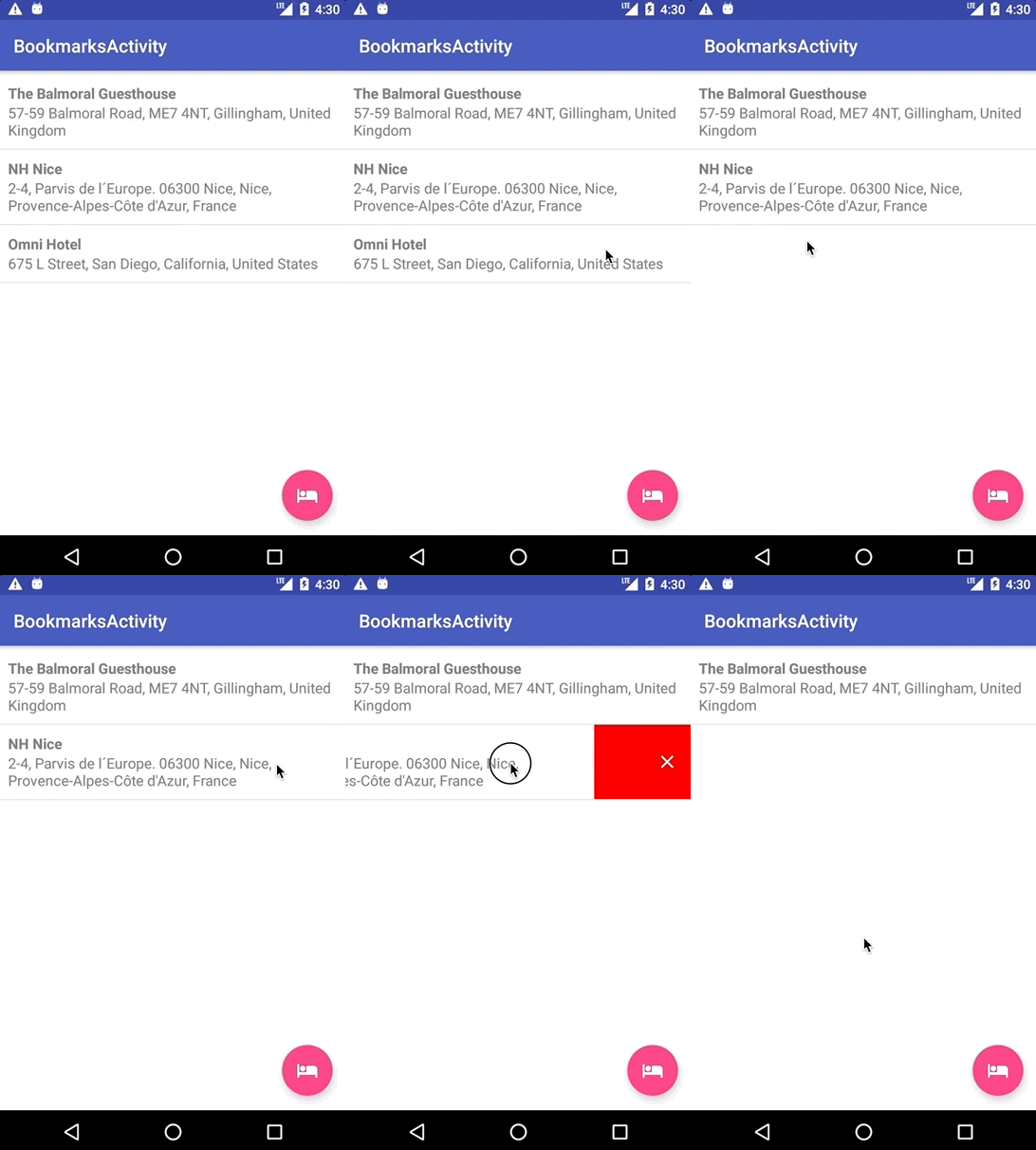
When searching for hotels in Guest mode, the app sends a GET request to the Python Web App which performs a Full-Text Search query on Couchbase Server. Then, if a hotel is bookmarked, it gets inserted in the Couchbase Lite database for offline access. So when the user unbookmarks a hotel, the document needs to be removed from the database. That’s what the code below is doing.
Database database = DatabaseManager.getDatabase();
Document document = database.getDocument((String) bookmark.get("id"));
try {
  database.delete(document);
} catch (CouchbaseLiteException e) {
  e.printStackTrace();
}
In addition to deleting the document of type "hotel" as shown above, the unbookmarking process removes the hotel ID from the hotels array in the "bookmarkedhotels" document.