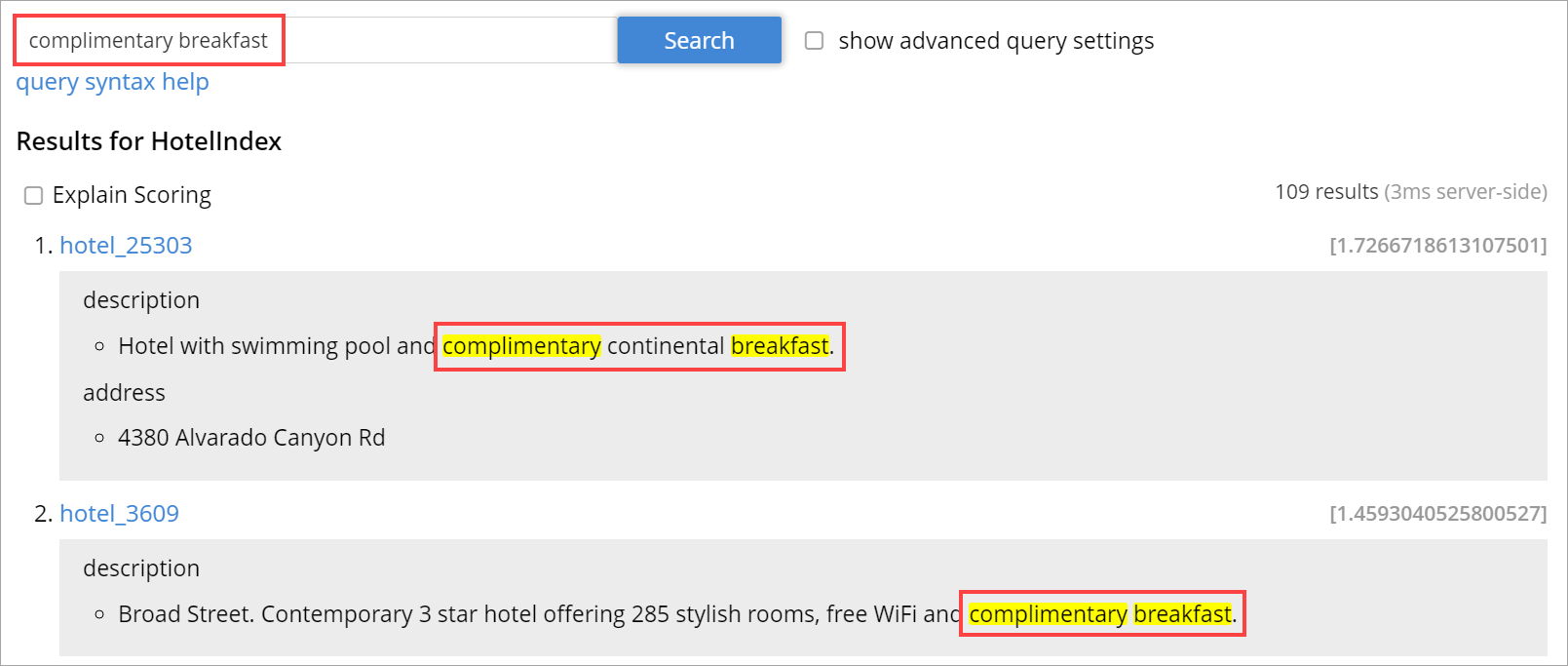
Highlighting
The Highlight object indicates whether highlighting was requested.
The pre-requisite includes term vectors and store options to be enabled at the field level to support Highlighting.
The highlight object contains the following fields:
-
style - (Optional) Specifies the name of the highlighter. For example, "html"or "ansi".
-
fields - Specifies an array of field names to which Highlighting is restricted.
Example 1
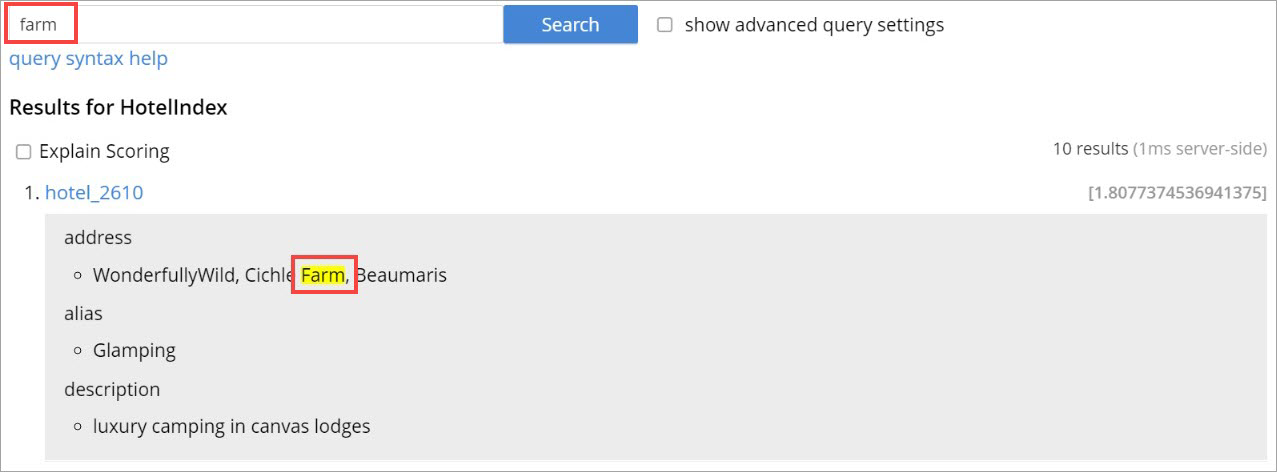
As per the following example, when you search the content in the index, the matched content in the address field is highlighted in the search response.
curl -u username:password -XPOST -H "Content-Type: application/json" \
http://localhost:8094/api/index/travel-sample-index/query \
-d '{
    "explain": true,
    "fields": [
        "*"
    ],
    "highlight": {
      "style":"html",
      "fields": ["address"]
    },
    "query": {
        "query": "address:farm"
    }
}'
Example 2
As per the following example, when you search the content in the index, the matched content in the description field is highlighted in the search response.
curl -u username:password -XPOST -H "Content-Type: application/json" \
http://localhost:8094/api/index/travel-sample-index/query \
-d '{
    "explain": true,
    "fields": [
        "*"
    ],
    "highlight": {
      "style":"html",
      "fields": ["description"]
    },
    "query": {
        "query": "description:complementary breakfast"
    }
}'